\n\n
\n
How to use Subli-Inkjet PU.
\n\n
As we informed you, it is an innovative printable media that are compatible with both Subli ink and Inkjet ink (Dye ink).
\nDepending on the color and the ink type, transfer methods and heat press conditions vary.
\nTo get the best result, please refer to the below transfer options and apply them to your tests.
\n\n
Option 1 for Dark (Recommended)
\n- \n
- Print and cut directly on the film. Do not reverse the design. \n
- Weed out the excess film. \n
- Use a Aviva Application Tape for a multiple-piece design. \n
- Choose the press conditions from the below table depending on the film color and the ink type. \n
\n
| \n Color \n | \n\n Ink Type \n | \n\n Temperature \n | \n\n Time \n | \n\n Pressure \n | \n\n Peel \n | \n
| \n Dark | \n\n Subli Ink \n | \n\n 340 F ~ 350 F \n | \n\n 10 sec. \n | \n\n Medium \n | \n\n Cool Peel \n | \n
| \n Inkjet \n | \n\n 311F ~ 320F \n | \n||||
| \n | \n | \n | |||
| \n | \n |
- \n
- Peel the Application Tape when it is cool. \n
\n
Please be careful when you use Application Tape on the Transparent type because it is quite thin.
\n\n
The Subli-Inkjet PU itself will adhere to the garment on 315F~ 320F
\nBut a higher temperature is recommended if the designs are printed with Subli Ink in order to make the designs more vivid and vibrant.
\nIf you print the design with an inkjet printer, 315 ~ 320 is enough as a higher temperature would not affect the vibrance of the designs.
","image":["/images/getavivaflorida.shop/images/product/laviva-sublimation-inkjet-home-printable-vinyl-dark-8-5-x-11-1.jpg","/images/getavivaflorida.shop/images/product/laviva-sublimation-inkjet-home-printable-vinyl-dark-8-5-x-11-2.jpg","/images/getavivaflorida.shop/images/product/laviva-sublimation-inkjet-home-printable-vinyl-dark-8-5-x-11-3.jpg","/images/getavivaflorida.shop/images/product/laviva-sublimation-inkjet-home-printable-vinyl-dark-8-5-x-11-4.jpg","/images/getavivaflorida.shop/images/product/laviva-sublimation-inkjet-home-printable-vinyl-dark-8-5-x-11-5.jpg","/images/getavivaflorida.shop/images/product/laviva-sublimation-inkjet-home-printable-vinyl-dark-8-5-x-11-6.jpg"],"sku":"laviva-sublimation-inkjet-home-printable-vinyl-dark-8-5-x-11","brand":{"@type":"Brand","name":"Aviva Wholesale Florida"},"offers":{"@type":"AggregateOffer","lowPrice":1.79,"highPrice":34.75,"priceCurrency":"USD","availability":"https://schema.org/InStock","url":"https://getavivaflorida.shop/products/laviva-sublimation-inkjet-home-printable-vinyl-dark-8-5-x-11","offerCount":2}}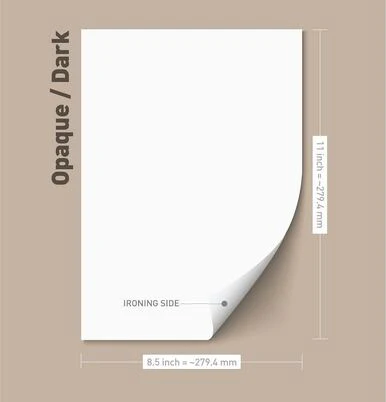
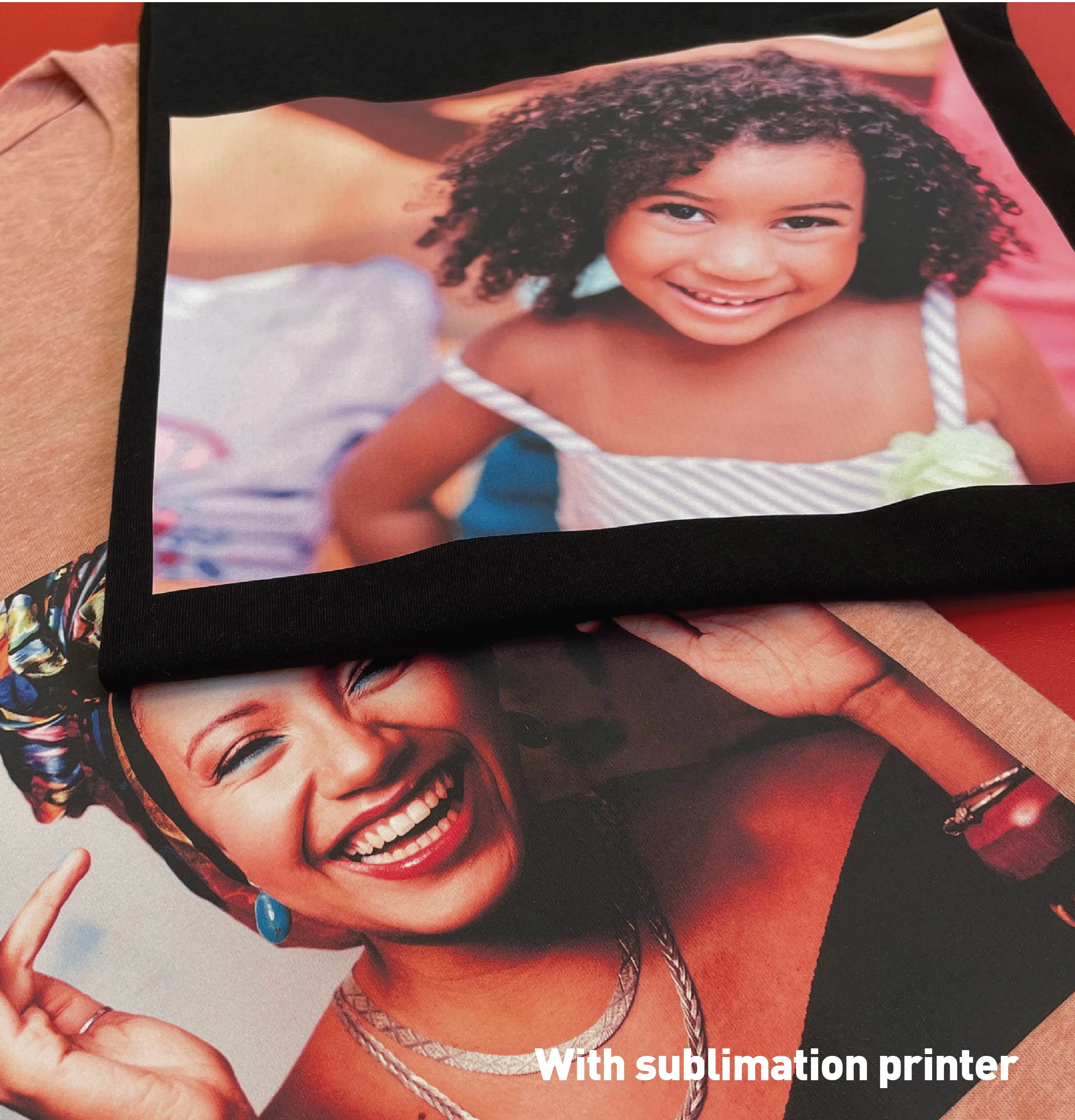
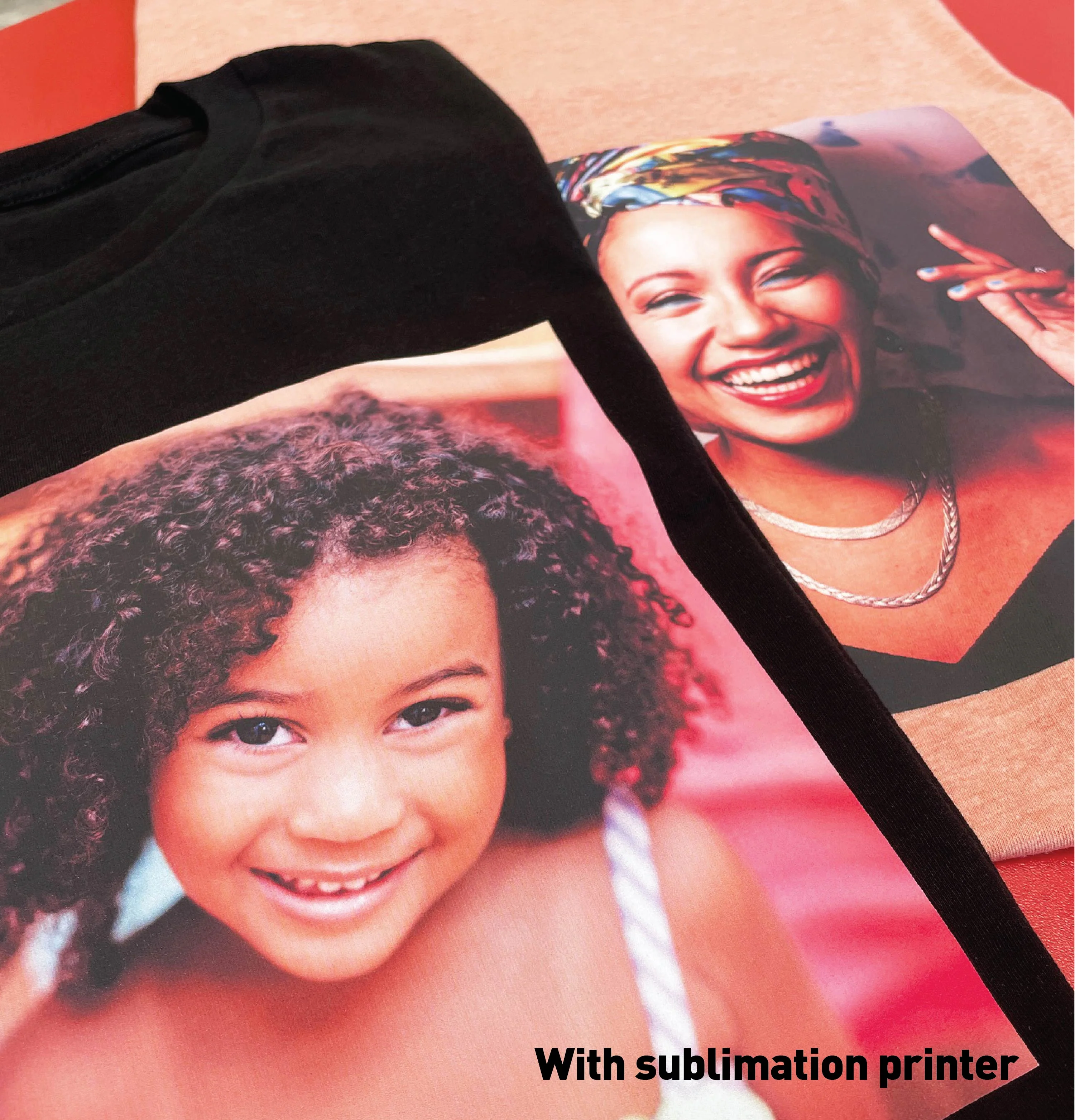
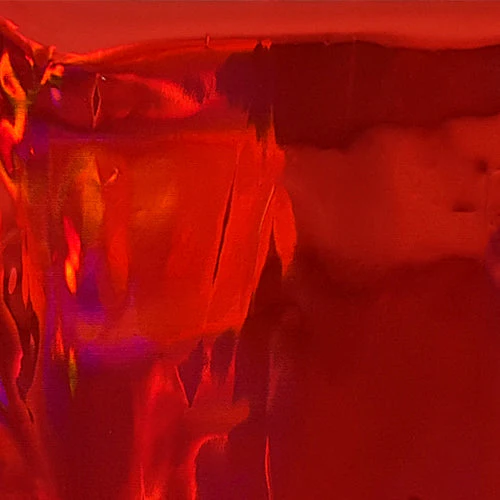
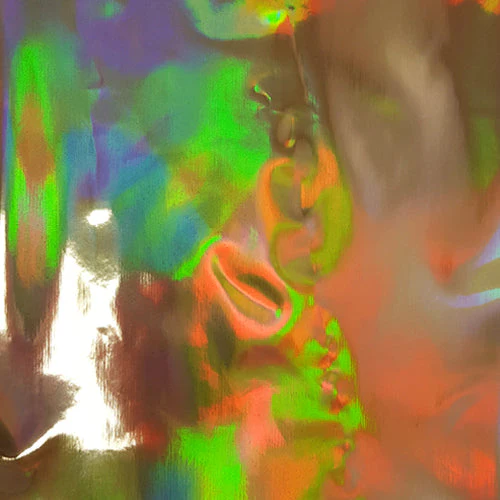
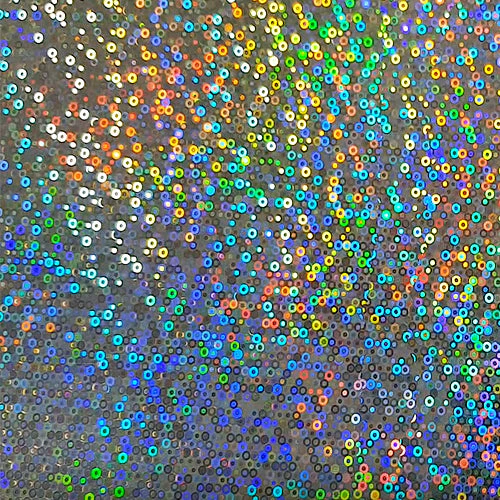
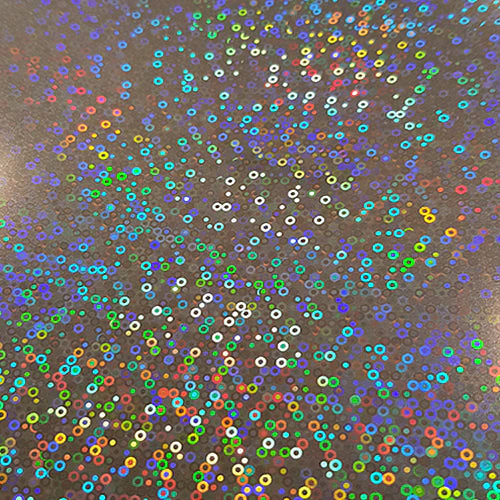
Laviva Sublimation / Inkjet Home Printable Vinyl Dark 8.5 X 11
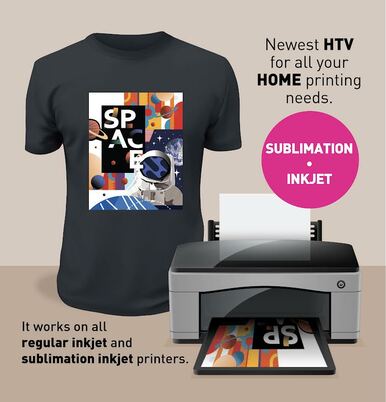
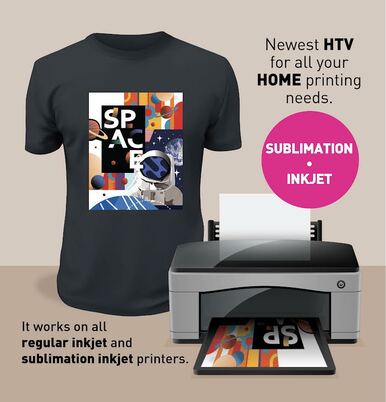
AVIVA ALL IN ONE HTV - Newest HTV for all your HOME printing needs. Try it NOW and thank us later.
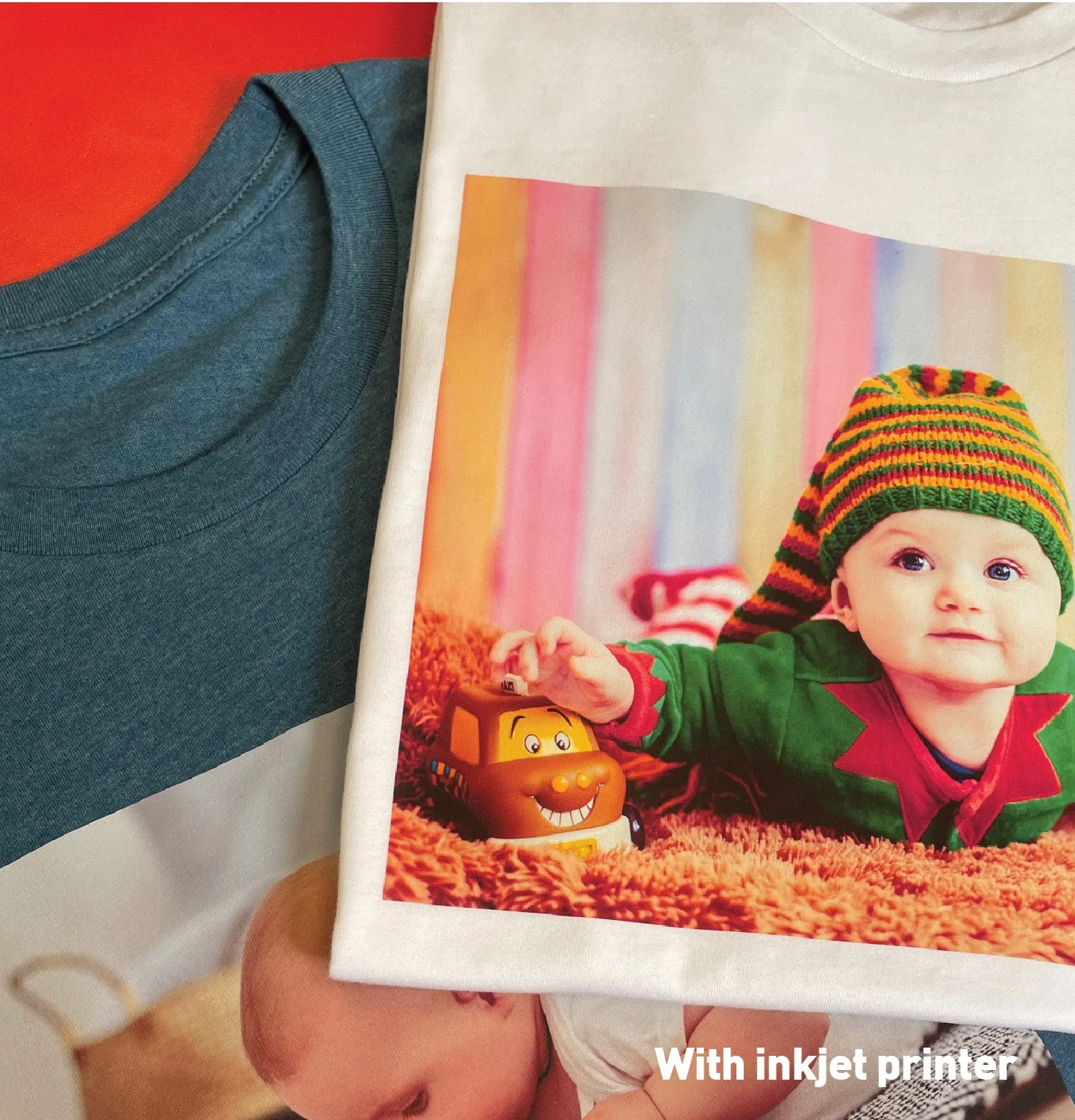
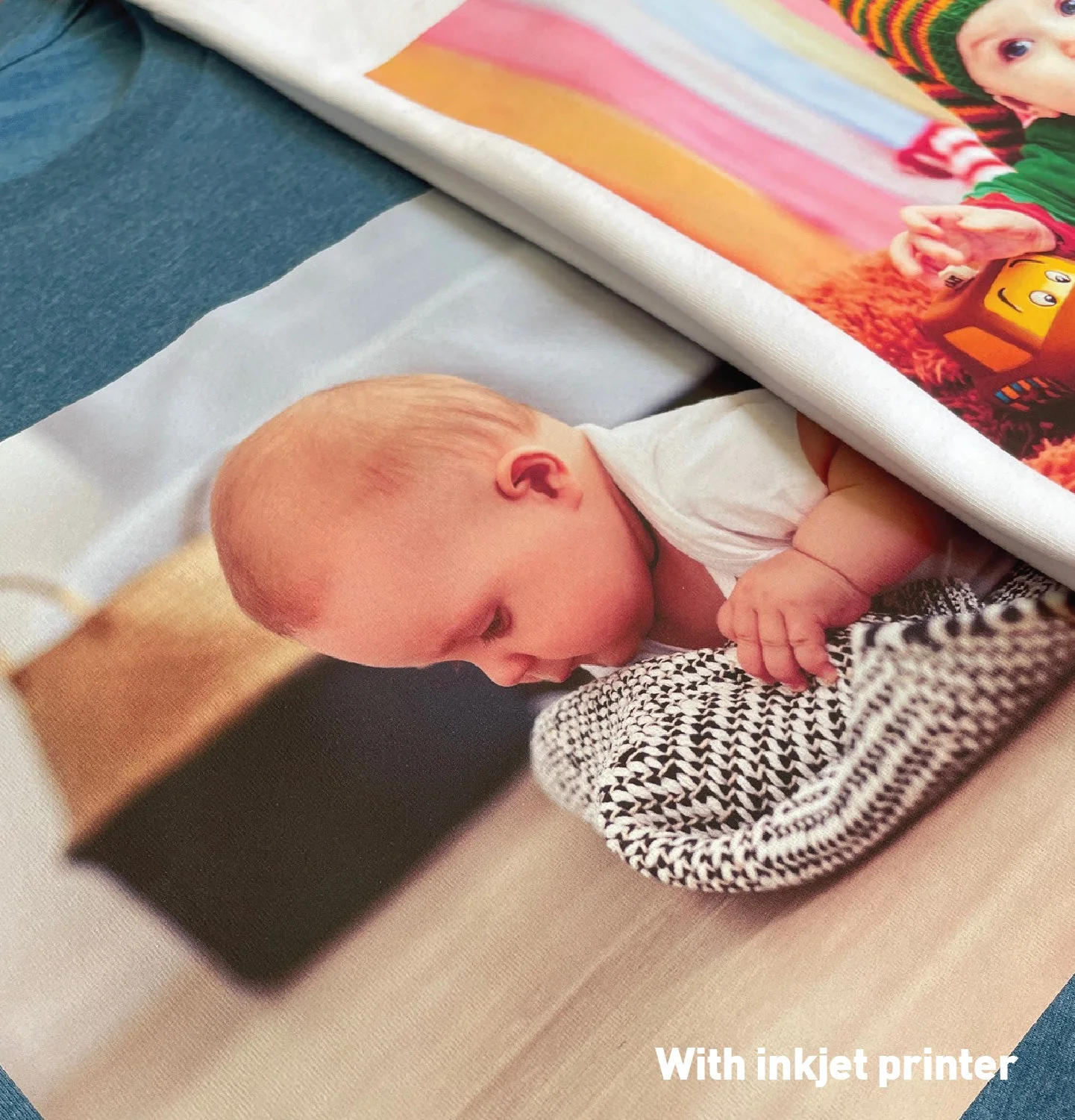
Now you are able to print images on HTV with your home printer. (SUBLIMATION-INKJET)
This innovative printable product will make your printing at home easier.
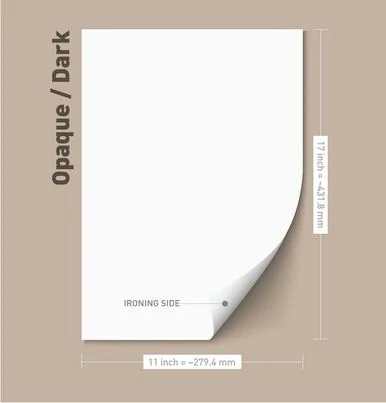
Transparent / Light Vinyl for bright color apparel and Opaque/ Dark for darker apparel.
No color shading even after several washes.
How to use Subli-Inkjet PU.
As we informed you, it is an innovative printable media that are compatible with both Subli ink and Inkjet ink (Dye ink).
Depending on the color and the ink type, transfer methods and heat press conditions vary.
To get the best result, please refer to the below transfer options and apply them to your tests.
Option 1 for Dark (Recommended)
- Print and cut directly on the film. Do not reverse the design.
- Weed out the excess film.
- Use a Aviva Application Tape for a multiple-piece design.
- Choose the press conditions from the below table depending on the film color and the ink type.
|
Color |
Ink Type |
Temperature |
Time |
Pressure |
Peel |
|
Dark |
Subli Ink |
340 F ~ 350 F |
10 sec. |
Medium |
Cool Peel |
|
Inkjet |
311F ~ 320F |
||||
- Peel the Application Tape when it is cool.
Please be careful when you use Application Tape on the Transparent type because it is quite thin.
The Subli-Inkjet PU itself will adhere to the garment on 315F~ 320F
But a higher temperature is recommended if the designs are printed with Subli Ink in order to make the designs more vivid and vibrant.
If you print the design with an inkjet printer, 315 ~ 320 is enough as a higher temperature would not affect the vibrance of the designs.
Product Information
Product Information
Shipping & Returns
Shipping & Returns
Description
AVIVA ALL IN ONE HTV - Newest HTV for all your HOME printing needs. Try it NOW and thank us later.
Now you are able to print images on HTV with your home printer. (SUBLIMATION-INKJET)
This innovative printable product will make your printing at home easier.
Transparent / Light Vinyl for bright color apparel and Opaque/ Dark for darker apparel.
No color shading even after several washes.
How to use Subli-Inkjet PU.
As we informed you, it is an innovative printable media that are compatible with both Subli ink and Inkjet ink (Dye ink).
Depending on the color and the ink type, transfer methods and heat press conditions vary.
To get the best result, please refer to the below transfer options and apply them to your tests.
Option 1 for Dark (Recommended)
- Print and cut directly on the film. Do not reverse the design.
- Weed out the excess film.
- Use a Aviva Application Tape for a multiple-piece design.
- Choose the press conditions from the below table depending on the film color and the ink type.
|
Color |
Ink Type |
Temperature |
Time |
Pressure |
Peel |
|
Dark |
Subli Ink |
340 F ~ 350 F |
10 sec. |
Medium |
Cool Peel |
|
Inkjet |
311F ~ 320F |
||||
- Peel the Application Tape when it is cool.
Please be careful when you use Application Tape on the Transparent type because it is quite thin.
The Subli-Inkjet PU itself will adhere to the garment on 315F~ 320F
But a higher temperature is recommended if the designs are printed with Subli Ink in order to make the designs more vivid and vibrant.
If you print the design with an inkjet printer, 315 ~ 320 is enough as a higher temperature would not affect the vibrance of the designs.